
Plainmark guide
How to prepare Markdown for RAG and AI knowledge bases.
Clean converted source material, preserve its provenance, and check its structure before retrieval, chunking, or indexing.
The short answer
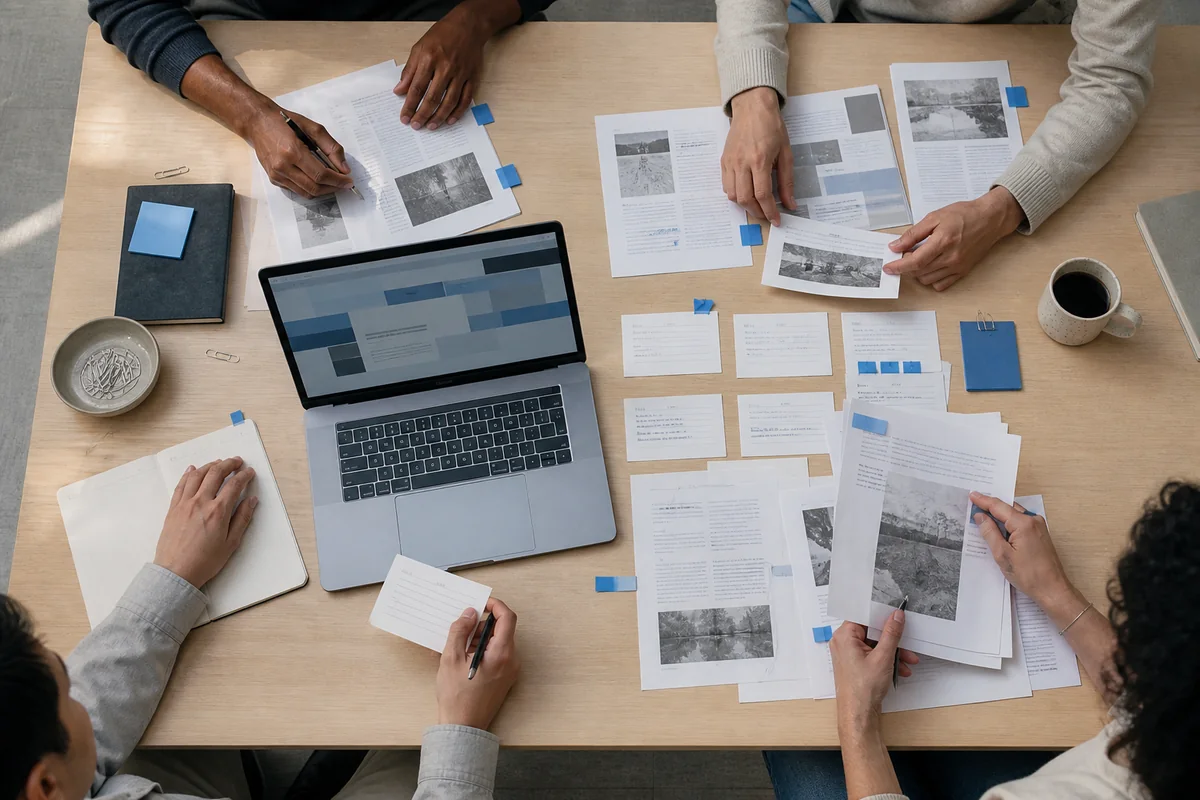
RAG-ready Markdown is not merely extracted text. It is readable source material with a clear heading hierarchy, intact lists and tables, useful links, limited duplication, and enough provenance to trace each claim back to the original document.
What does “ready for RAG” mean?
Retrieval-augmented generation combines a language model with information retrieved from an external collection. The original RAG paper by Lewis and colleagues describes this as combining parametric memory with non-parametric memory accessed by a retriever. Your Markdown is part of that external source layer, so its structure and traceability matter.
A prepared document should help a later system answer three questions: what does this passage say, where does it belong, and where did it come from? Markdown helps express headings, paragraphs, lists, links, and images in readable plain text; the CommonMark specification documents those core structures.
- Readable: paragraphs are complete and not broken at every visual line.
- Structured: headings show the document hierarchy.
- Traceable: the source URL or file name and relevant publication details remain attached.
- Focused: navigation, repeated footers, and unrelated calls to action are removed.
- Reviewable: important tables, lists, links, and images have been checked against the source.
Prepare source material in five steps
1. Convert the source into editable Markdown
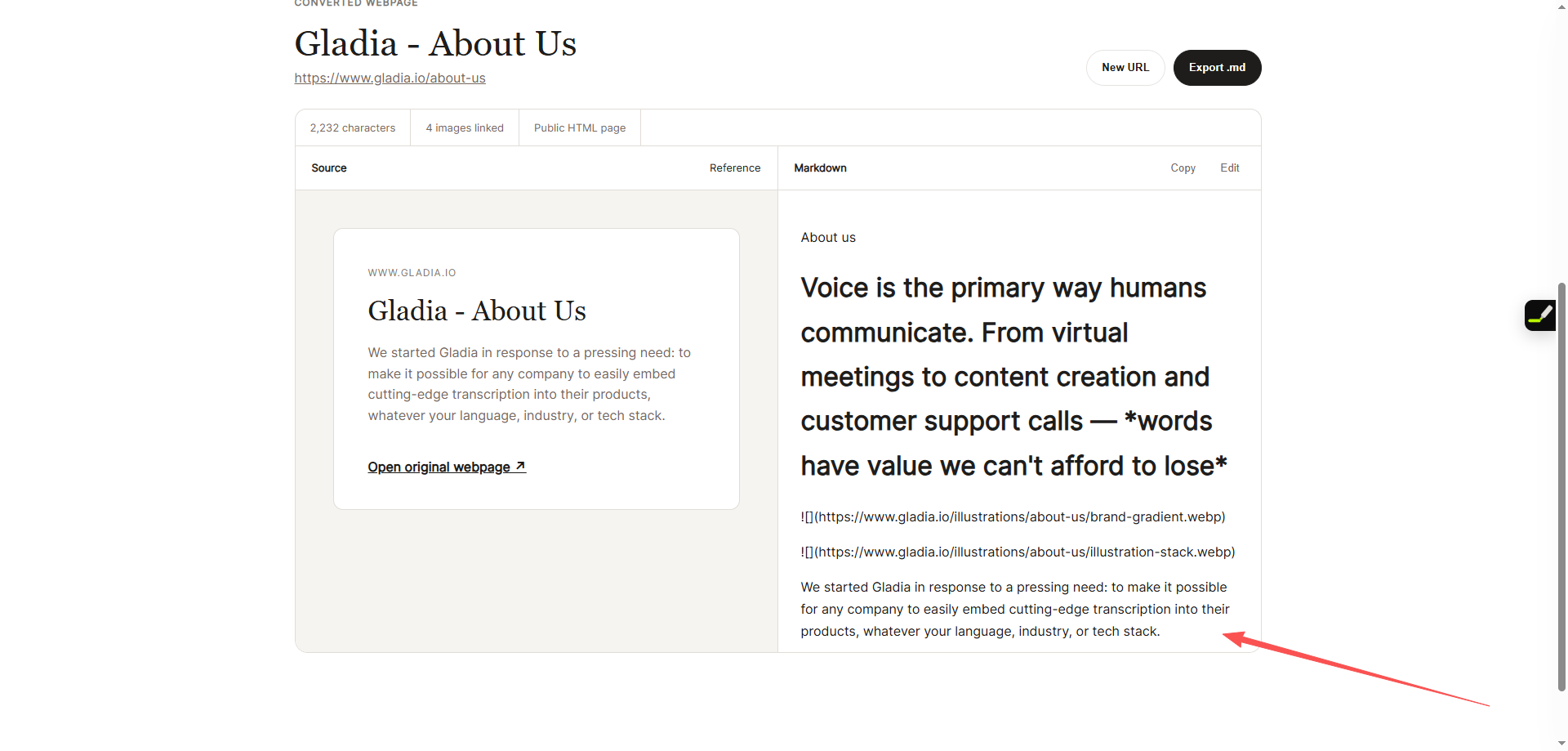
Use the PDF to Markdown tool for a text-layer PDF or Web to Markdown for one public webpage. Conversion creates a working copy; it does not prove that the content is complete.
2. Compare the result with the source
Keep the source in view while checking the title, section order, paragraphs, lists, tables, links, and meaningful images. A clean-looking result can still contain a wrong reading order or missing context.
3. Remove extraction noise and repetition
Delete cookie notices, navigation labels, repeated mobile menus, duplicated calls to action, empty image syntax, and footer text that appears on every page. Do not remove qualifiers, warnings, or citations simply because they look secondary.
4. Preserve provenance
Add the original URL or file name, document title, publisher or author when available, and the date accessed or published. Keep this information in a predictable block so it can travel with the text.
---
title: Quarterly infrastructure review
source: https://example.com/reports/infrastructure
publisher: Example Research
published: 2026-08-20
accessed: 2026-08-24
---

# Quarterly infrastructure review
5. Validate the document before indexing
Read it from top to bottom, open important links, compare every table row, and confirm that each heading introduces the content below it. Only then pass the document to a separate chunking and indexing process.
What should stay, and what should be removed?
| Keep or repair | Remove or rewrite |
|---|---|
| Document title and logical headings | Decorative headings with no content |
| Complete paragraphs and quotations | Hard line breaks copied from page layout |
| Lists, tables, and code with meaning | Broken rows or isolated table fragments |
| Source links, authors, and dates | Tracking parameters and empty links |
| Warnings, limitations, and definitions | Repeated navigation and promotional text |
| Useful image descriptions | Decorative icons and empty image syntax |
The goal is not to make every document shorter. It is to keep evidence and meaning while removing material that makes retrieval less precise.
Use document structure to guide chunking
Chunking belongs to the retrieval pipeline, not the Markdown conversion step. Still, better headings and complete paragraphs give a later chunker safer boundaries. The Microsoft Learn guide to document chunking explains that chunk size depends on the model and workflow, and describes structure-aware approaches alongside fixed-size methods.
- Keep a heading with the paragraphs it introduces.
- Avoid splitting a table in the middle of a row.
- Keep a quotation with its attribution.
- Carry document-level source metadata into every stored chunk.
- Test retrieval with real questions rather than assuming one chunk size fits every source.
Pre-indexing review checklist
| Check | Pass condition |
|---|---|
| Completeness | Every relevant section appears in the Markdown. |
| Reading order | The document makes sense from top to bottom. |
| Hierarchy | One H1 is followed by consistent H2 and H3 sections. |
| Provenance | The original file or URL and publication details are recorded. |
| Tables and lists | Labels, rows, and nested items remain associated correctly. |
| Noise | Repeated navigation, footers, and interface labels are removed. |
| Rights and privacy | You are allowed to process and store the source material. |
Frequently asked questions
Does Plainmark create embeddings or a vector database?
No. Plainmark converts and helps you review source material. Embedding, chunking, retrieval, access control, and indexing belong to the RAG system you choose.
Is Markdown required for RAG?
No. Retrieval systems can use HTML, JSON, plain text, database records, and other formats. Markdown is useful because humans can read and repair it while it still carries basic document structure.
Should every converted image stay in the knowledge base?
No. Keep images that add evidence or context, and add useful descriptions where appropriate. Remove decorative images and empty references. A text-only retrieval pipeline cannot infer information that exists only inside an image.
Can I index private documents?
Only when you have permission and the storage, access controls, retention rules, and model providers match your privacy requirements. Review those systems separately before uploading confidential material.
Start with Markdown you can inspect.
Convert the source, compare it with the original, and repair the structure before it enters your AI workflow.
Convert a PDF